
⇆
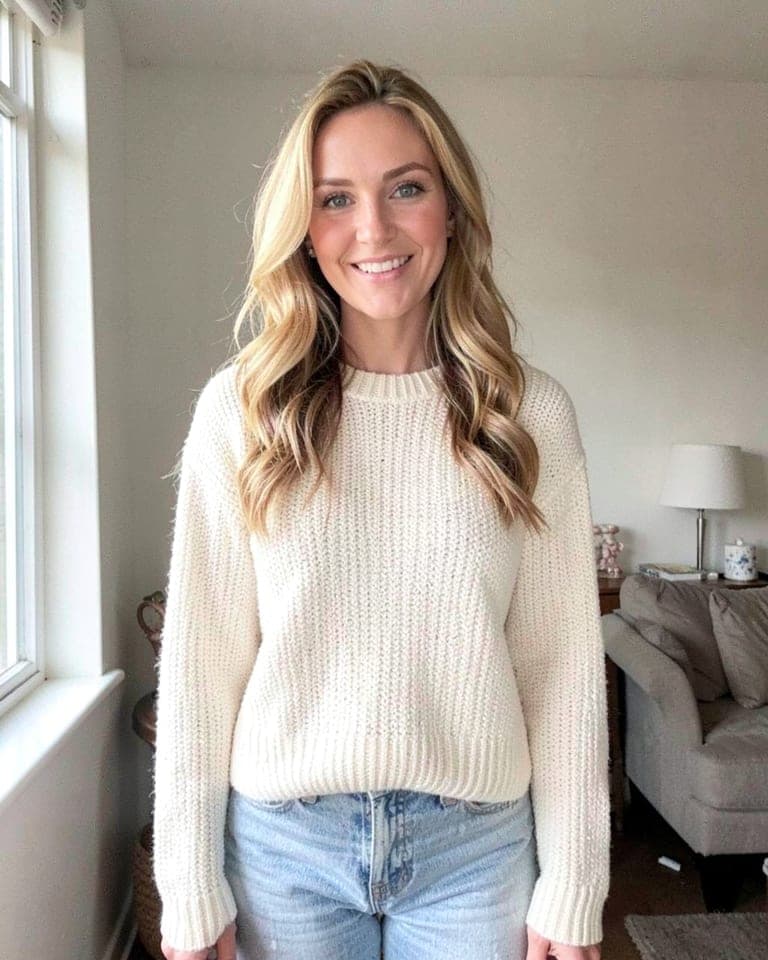
BeforeAfterAfter Dark Flash
Hard on-camera flash at night. Party snapshot energy.
AI selfie restyle · in your browser
Pick a look, add a selfie, and Selfie Booth reshoots it — night flash, golden backlight, a clean studio wall — in seconds. You stay you.
No sign-up · no app to install · selfie not stored

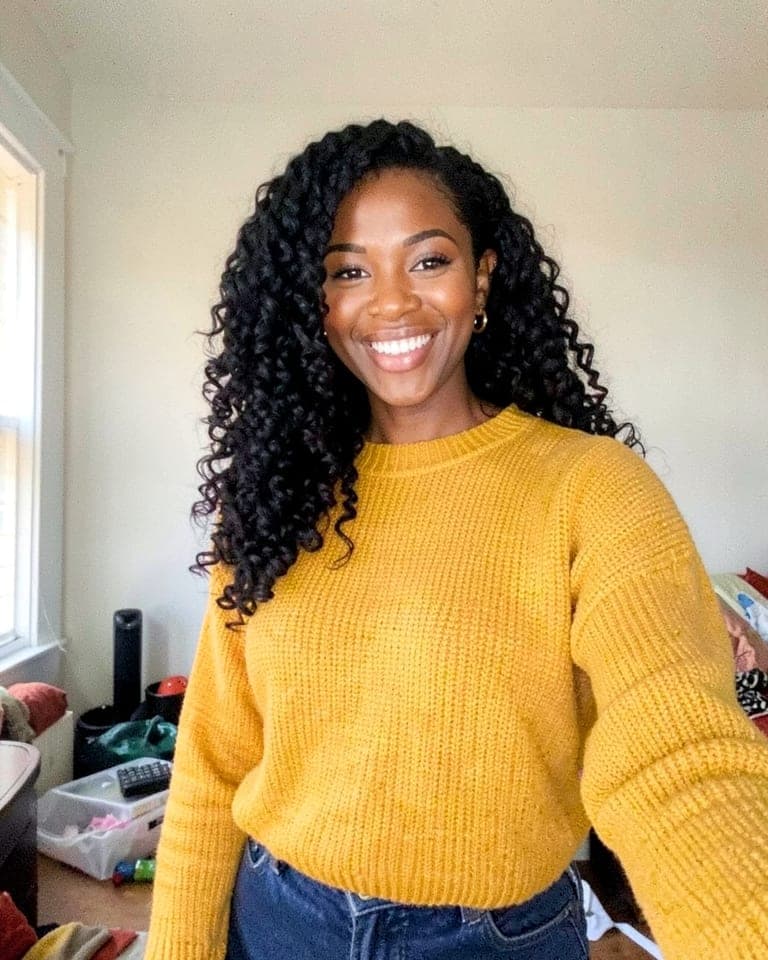
Golden Backlight · drag to compare
Samples use fictional AI-generated demo people.
How it works
Night flash, sunset glow, a clean backdrop, black and white — each one is a different light, camera and mood.
Snap one with your phone camera or pick a photo you already have. One face, looking at the camera, works best.
Usually ready in about 10 seconds. Download it or share it straight from your phone.
The looks
Drag across any photo to see the before and after. Same person, same clothes, same moment: only the light and the camera change. New looks are added once they pass our likeness check.
Hard on-camera flash at night. Party snapshot energy.
Low sun behind you, glowing rim light in your hair.
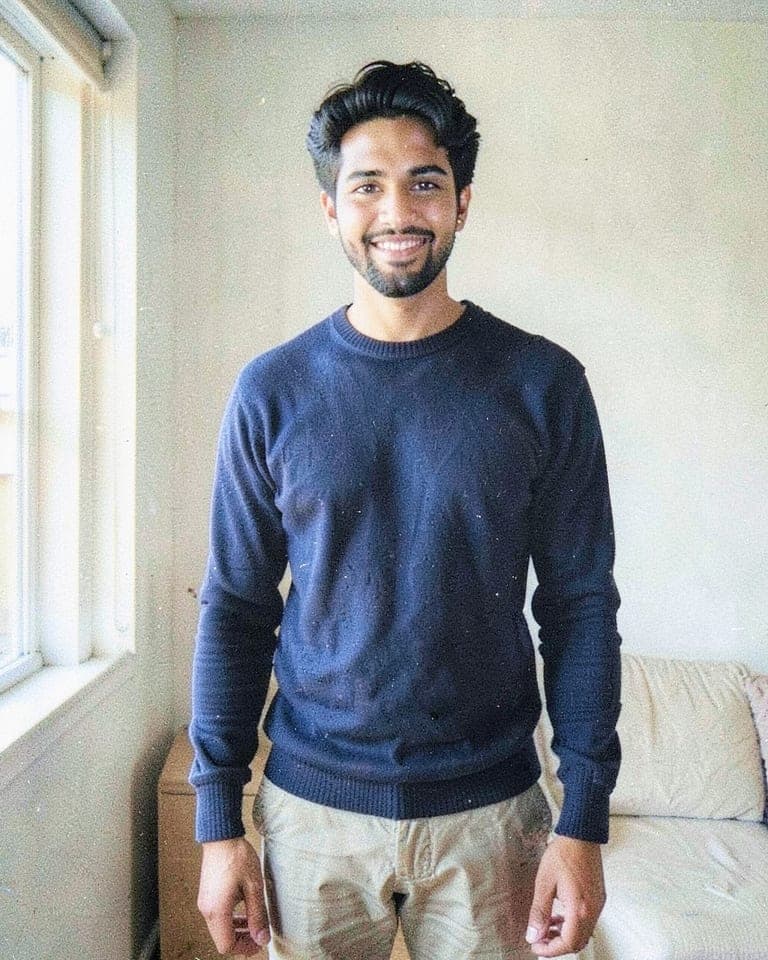
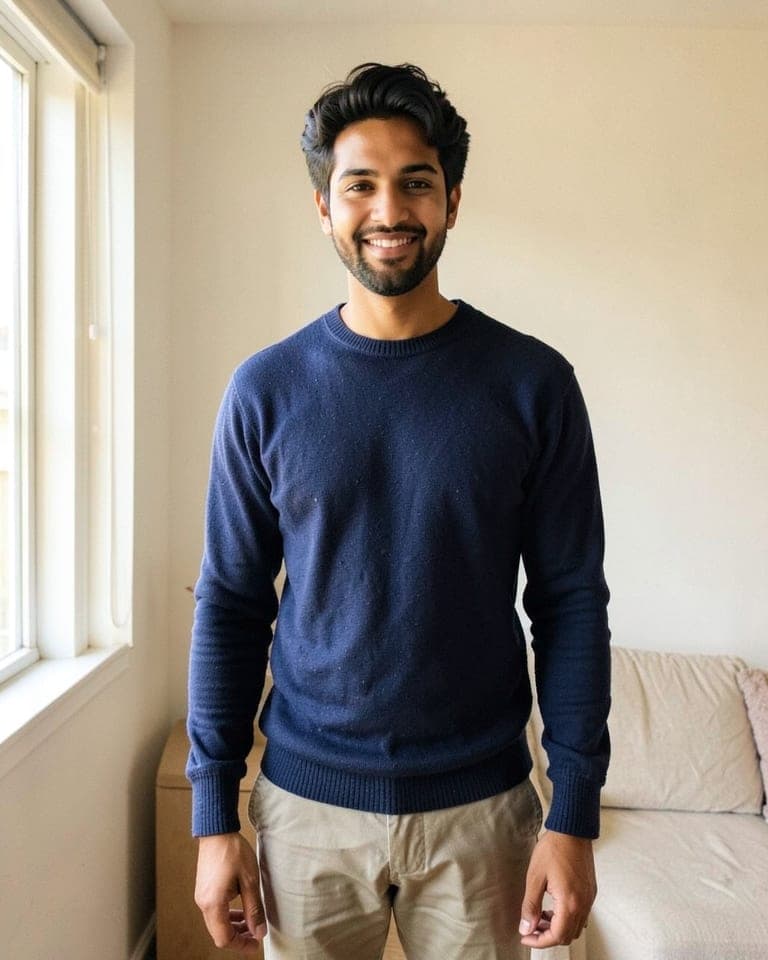
That early-2000s little digital camera with the tiny flash.

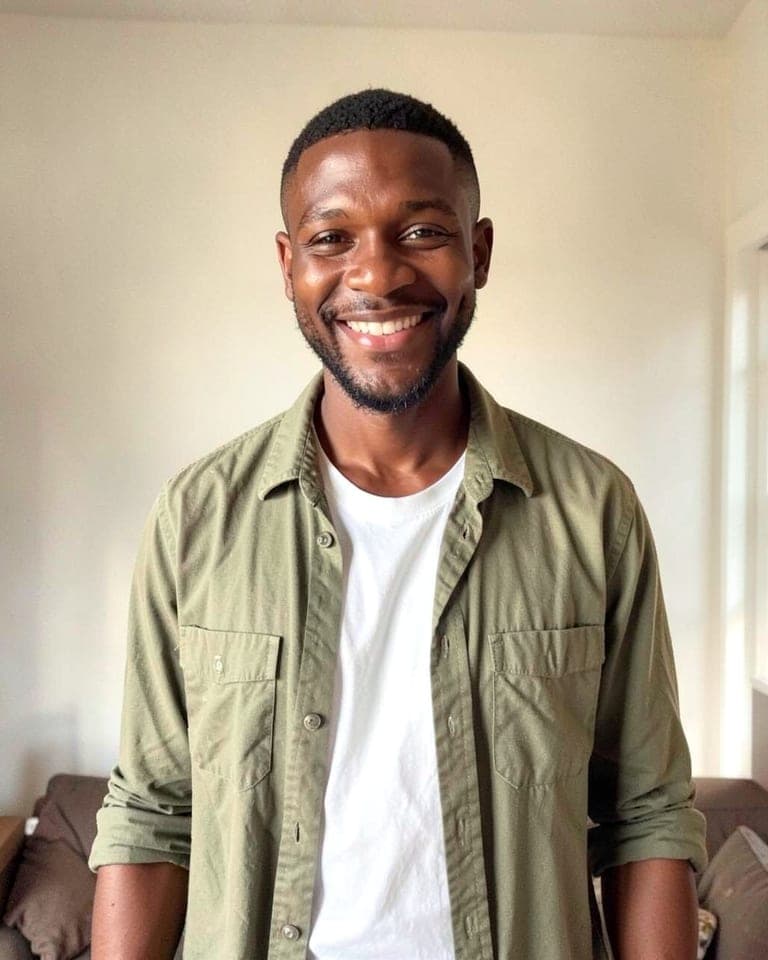
Messy room gone. Soft studio light on a plain grey wall.
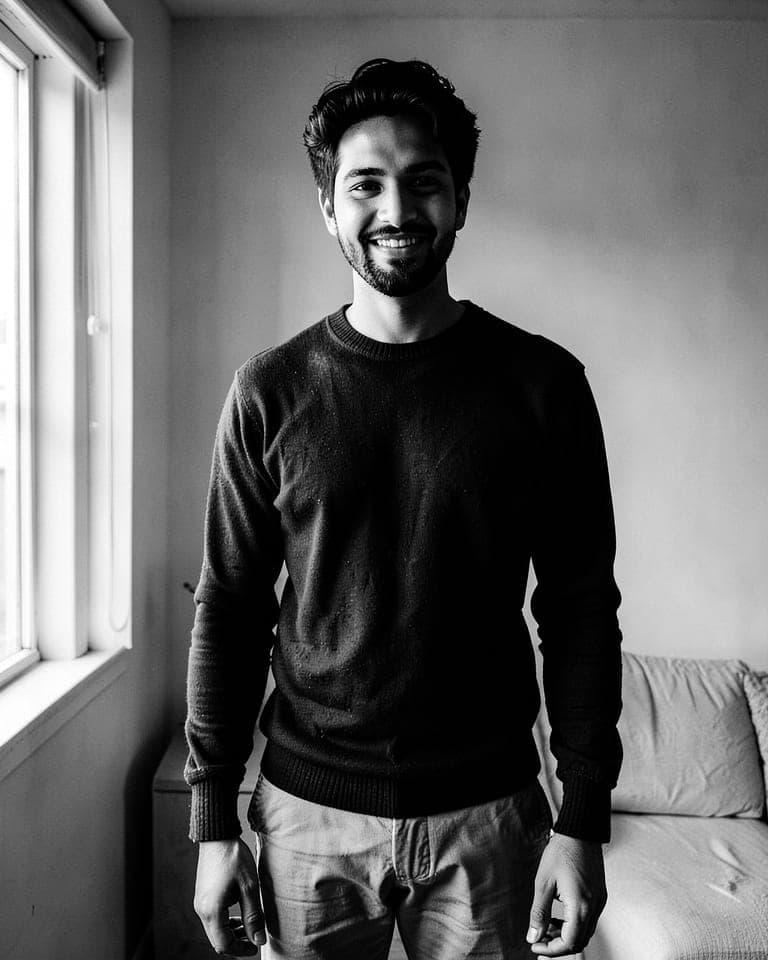
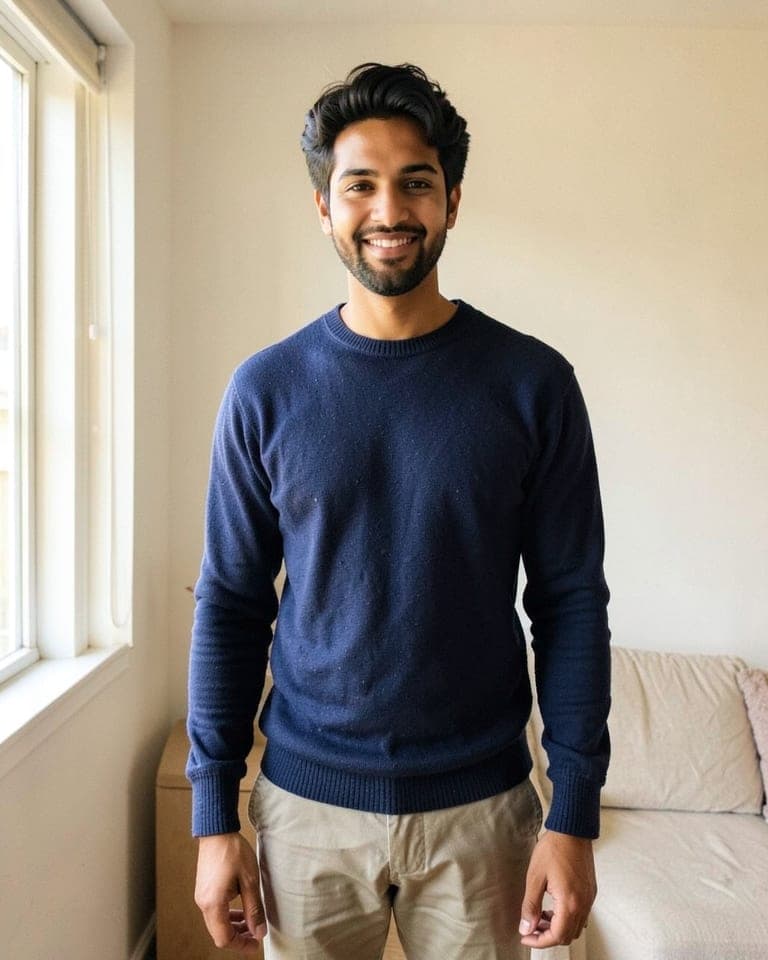
Black and white with rich contrast. Timeless.


Warm afternoon sun on your face, summer glow.
City lights blurred behind you, cool evening blue.
Soft daylight from a big window. Calm and clean.
Analog colour, soft grain, faded blacks.
Dots of coloured light from a spinning disco ball.
Curtain backdrop and a bright flash, like a photo booth.
Pricing
One credit = one photo. No subscription. Failed photos are refunded automatically.
Prices in USD. Payments are handled by our checkout provider; we never see your card.
Questions
The looks are written to change light, camera and setting only, and every look we offer was test-rendered and checked by eye for likeness. AI can still drift: if a result doesn't look like you, it was free or you can ask us for the credit back.
No. Your first 2 photos need no sign-up. To buy credits you sign in with your email — we send a one-time link, there's no password.
We don't keep it. It is sent to our image provider to make your photo and then discarded. Your results are kept for 30 days so you can download them, then deleted automatically.
No. Credit packs are one-time purchases. One credit makes one photo, and if a photo fails you get the credit back automatically.
Only your own, or with that person's clear permission. No photos of children, no public figures, no deception. See our terms.
Your first 2 photos are free, with no sign-up and no card. After that you can buy a one-time credit pack: one credit makes one photo.
Yes. Take a fresh selfie with your phone's camera, or pick any photo from your camera roll or computer (JPG, PNG, WebP, HEIC, AVIF or TIFF).
Any recent phone, tablet or computer with an up-to-date browser such as Safari, Chrome, Firefox or Edge. Nothing to install. On a phone you can add it to your home screen and open it like an app. If you came from a link inside TikTok or Instagram, open it in your normal browser so the camera and downloads work.
Pick a look and try it now. The first 2 photos are on us.
Make my photo